
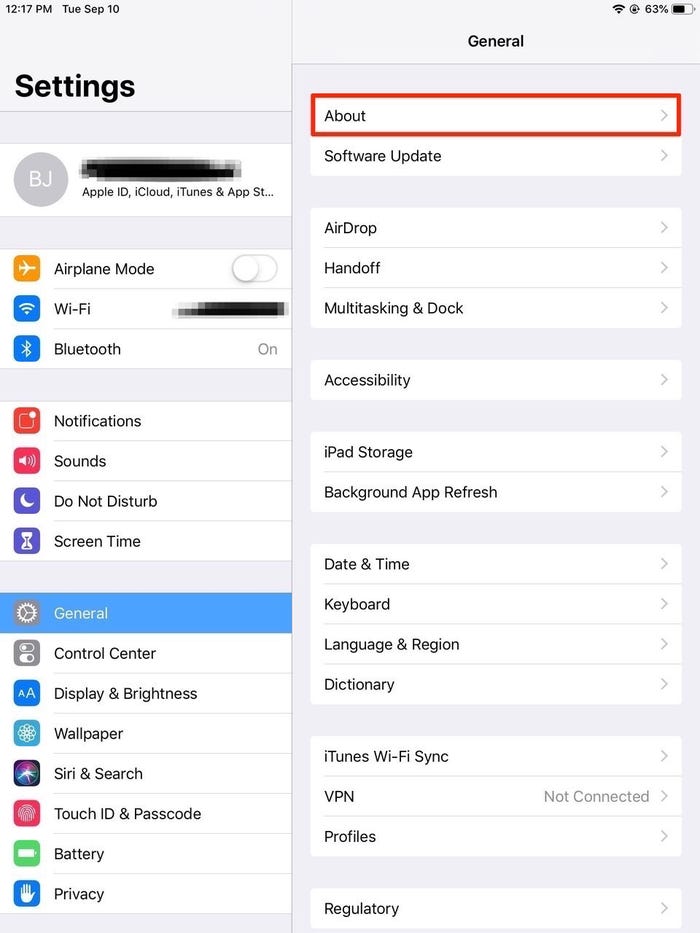
1. Launch the Settings app on your iPad.
2. Tap the General tab.
3. Tap the word About at the top of the next screen.
4. Tap the Name tab at the top of the next menu.
5. Use the X icon or just erase the name that's there (likely "iPad") and then enter a new name for the device, ideally one tied to your own name.
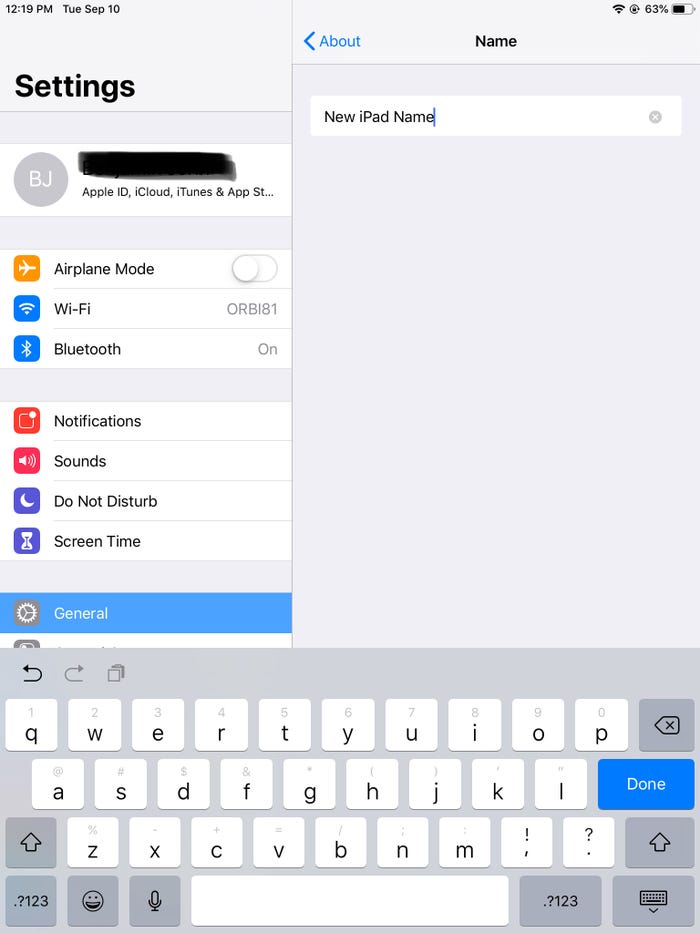
6. Tap the word About to save the new name and move back to the previous page.
And that's that, your iPad has been renamed.