
Here are the steps to login to your child's MCHK student account:
1) go to http://gmail.com/
For your convenience, here is the main MCHK Gmail link: https://mail.google.com/a/mchk.edu.hk
2) enter your child's full email address: 12345678@mchk.edu.hk
(email address is an example only)
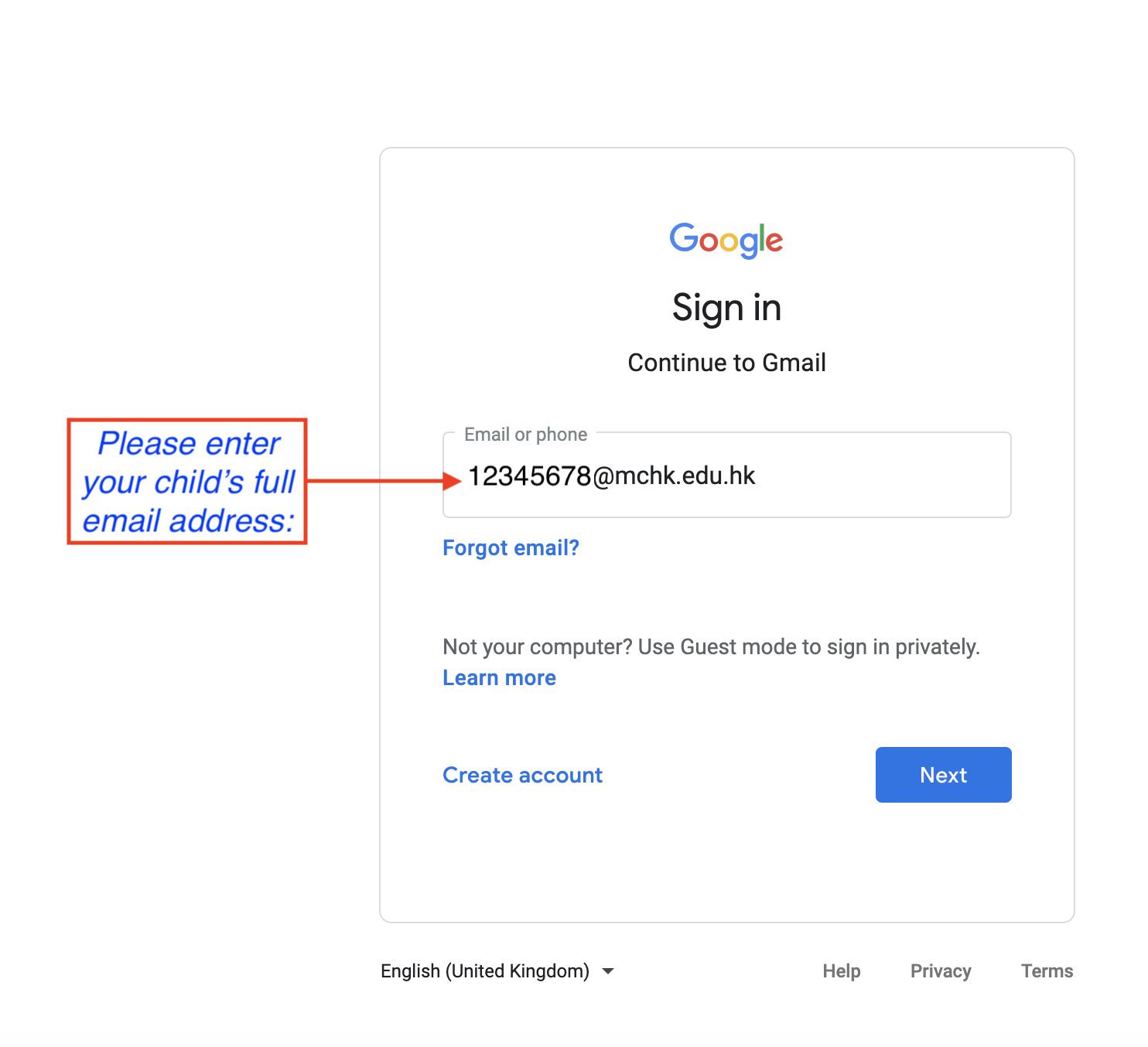
3) Click Next
4) enter your child's password:
(password hidden here)
(Please note: the password is case-sensitive, contains "UPPERCASE" letters, "lowercase" letters and some numbers)
5) click Next
After that, your child should be logged into Gmail.
Please log in via the school’s Google website, https://mail.google.com/a/mchk.edu.hk, with the above School Gmail Account & Password.
Please test your Gmail login to make sure it is working OK.
After you log in the first time, it is highly recommended that you change your Gmail password. The steps to change your password can be found in this Google support webpage: https://support.google.com/mail/answer/41078
If you need any assistance, please don’t hesitate to contact ICT Services at ictservices@mchk.edu.hk.
Thanks and kind regards,
ICT Services
Malvern College HK