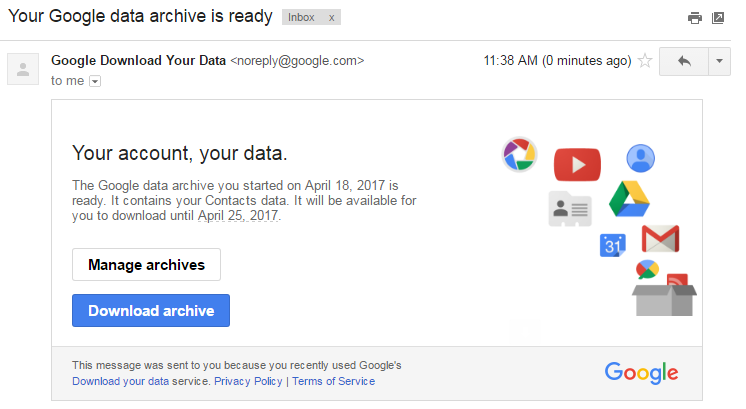
If you are a student leaving Malvern College HK and would like to have copy of your files including e-mail, drive and youtube videos, you can do so using Google Takeout.
Link: https://takeout.google.com/settings/takeout
On the main page, select the apps you want to make a copy of. It is advised you select Mail, Drive and Youtube and choose other apps which you may need.
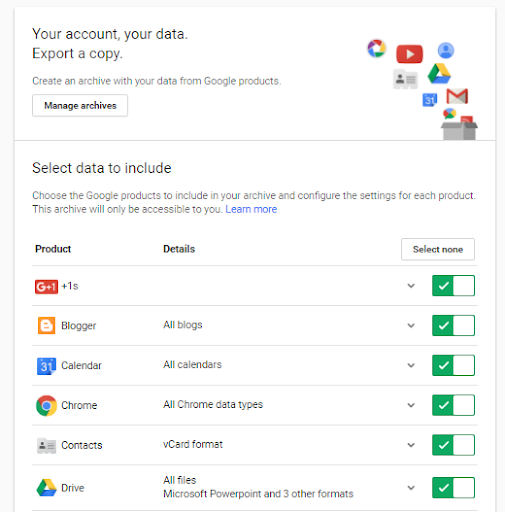
Click “Next”
Your file should now be ready and will be sent to you via e-mail. You can choose other options as well but make sure you download a local copy as your Malvern College HK Gmail account will be deactivated.
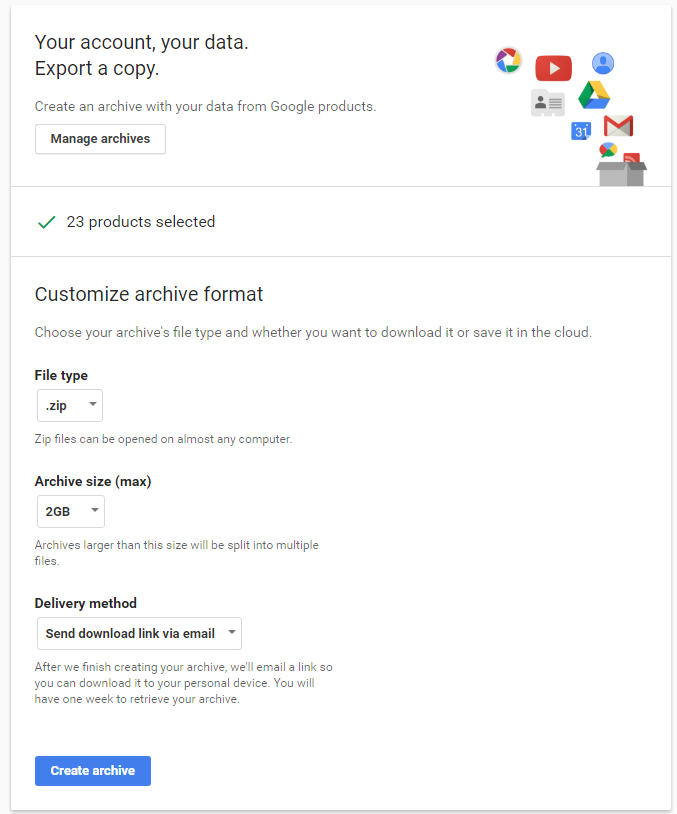
Click “Create archive”.
You should receive an email with the link to download your copy.