
Here are is how to find the Spam menu item in Gmail:
1) In the left menu panel :
2) Click "More":
3) Click Spam:

(as you can see, I have 2 spam messages)
4) If they are genuine emails that you have missed, please click to open them as usual: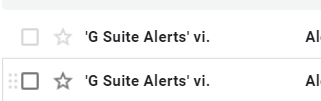
5) You may also like to click "Report not Spam" for each genuine email so that these types of emails from this sender are no longer treated as Spam for your inbox:

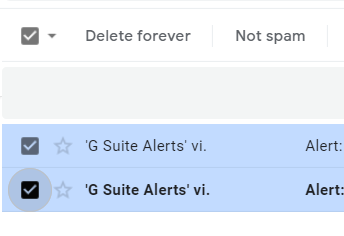
Alternatively, if you want to report multiple emails as not spam, please select the emails and click "Not Spam":
6) If these are emails that you do not want to read, you may delete your spam by clicking "Delete all spam messages now":

Please note that:
