
1. Go to the Seesaw Class App
- Android
- Apple iOS
- or browse to this website: https://app.seesaw.me
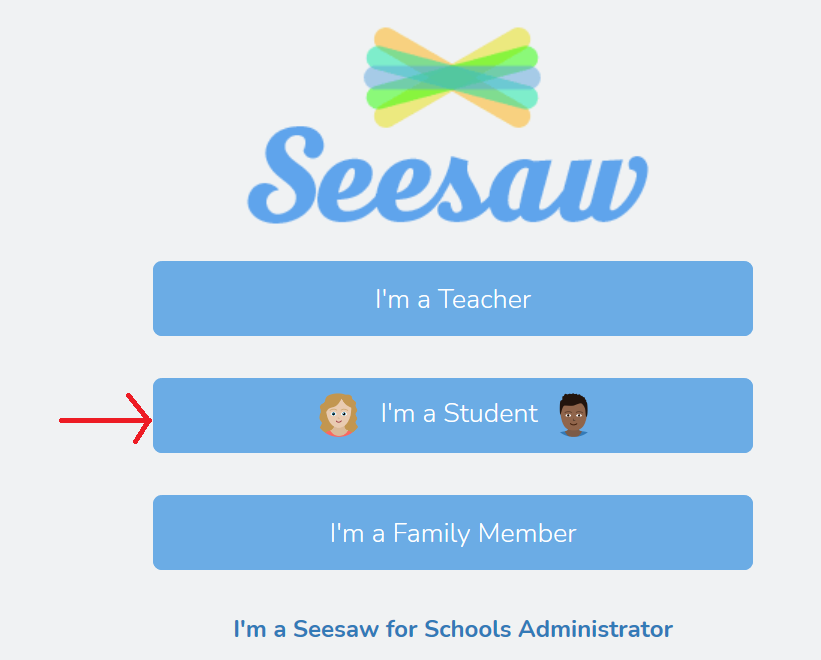
2. Click I'm a Student
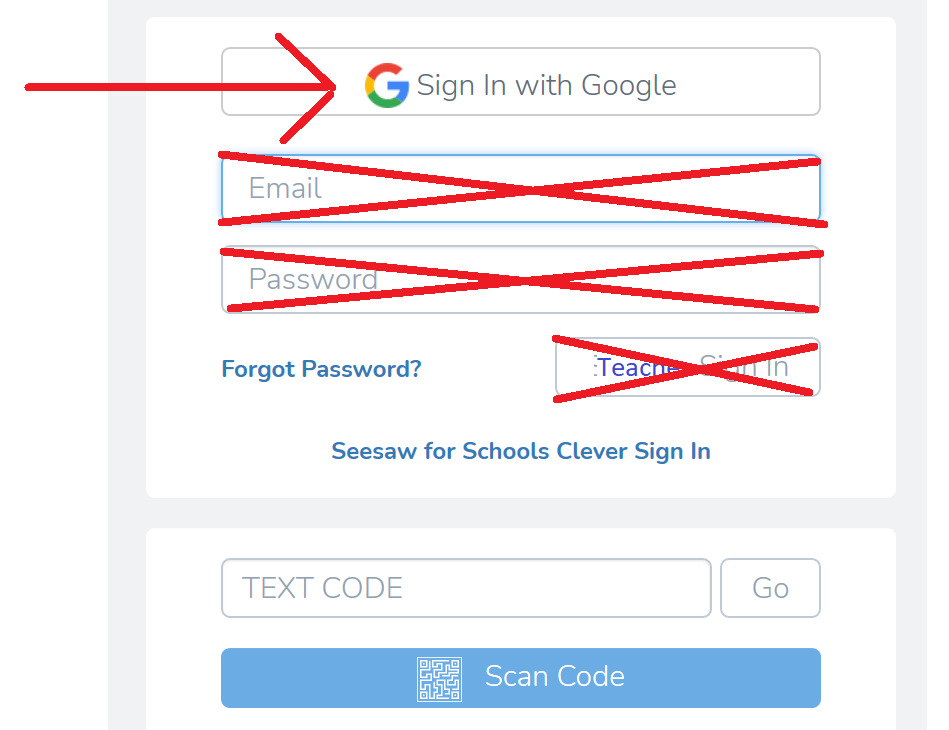
3. Click G Sign In with Google
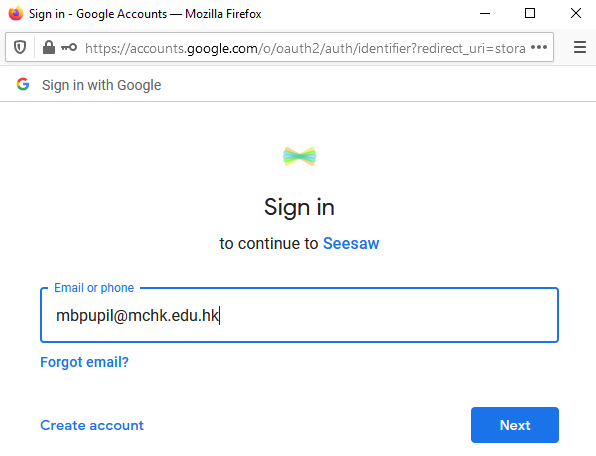
4. Enter student email address , Click Next
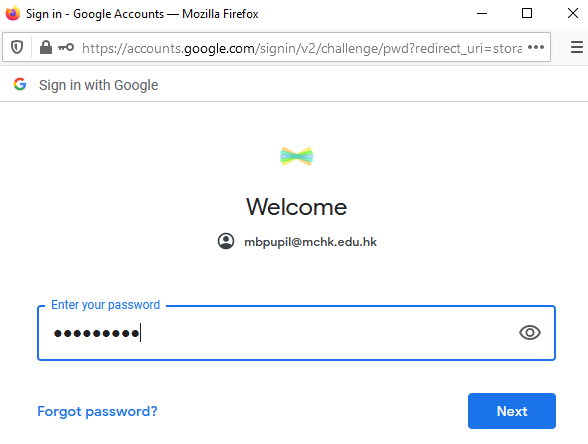
5. Enter student password , Click Next
You will then be logged into Seesaw.