
On your phone, you're usually automatically signed into Gmail. However, if you've logged out or deleted the app, here's how to log back in.
1. Download and open the Gmail app on your iOS or Android device.
iOS: https://apps.apple.com/us/app/gmail-email-by-google/id422689480
Android: https://play.google.com/store/apps/details?id=com.google.android.gm&hl=en_US&gl=US
2. Tap the "Sign in" button at the bottom of your screen.
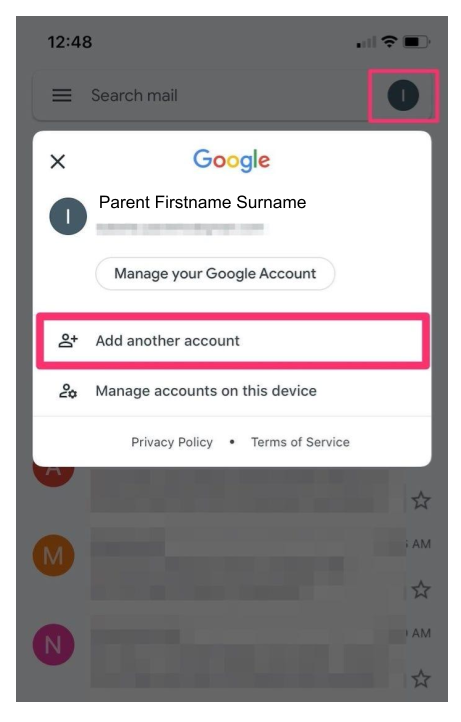
If you already have an email account linked in the app and want to add another account, simply tap your profile icon in the top-right corner and then tap "Add another account."
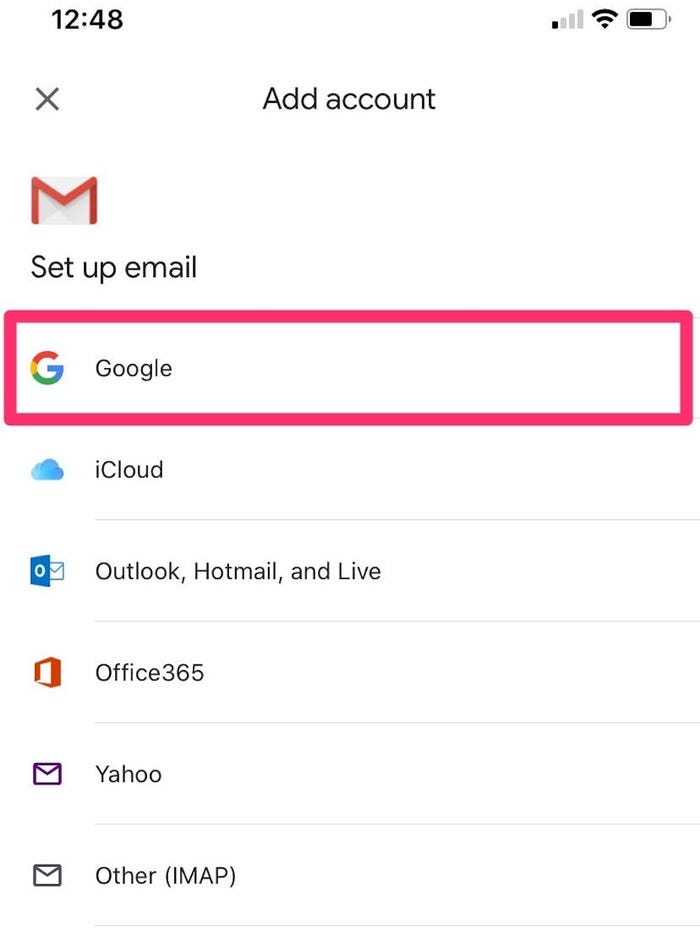
3. On the next page, tap "Google."
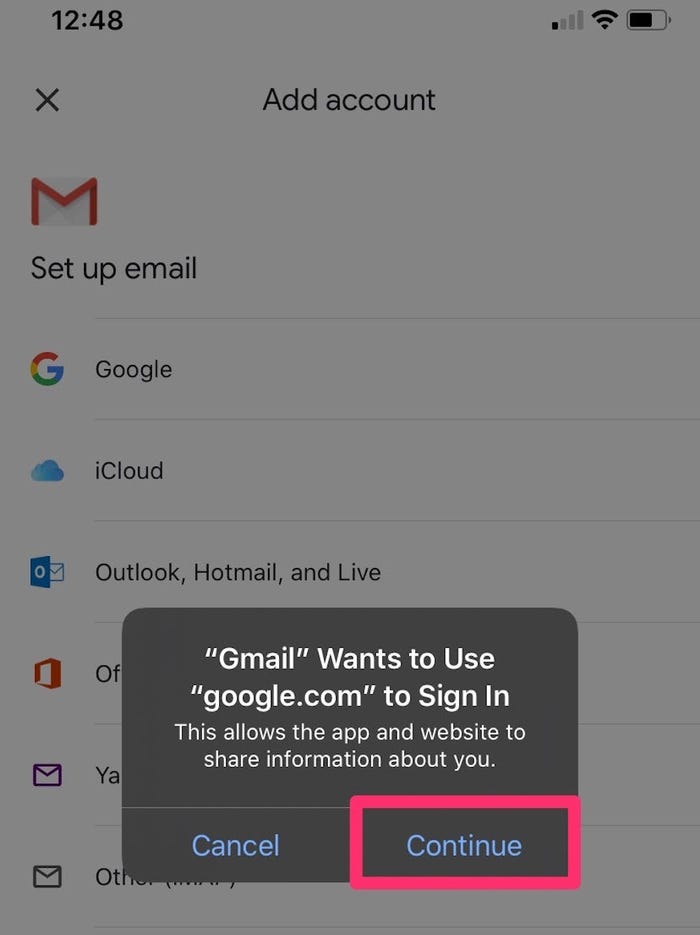
4. Tap "Continue" to allow Google to sign into your account.
5. Follow the steps to log in.
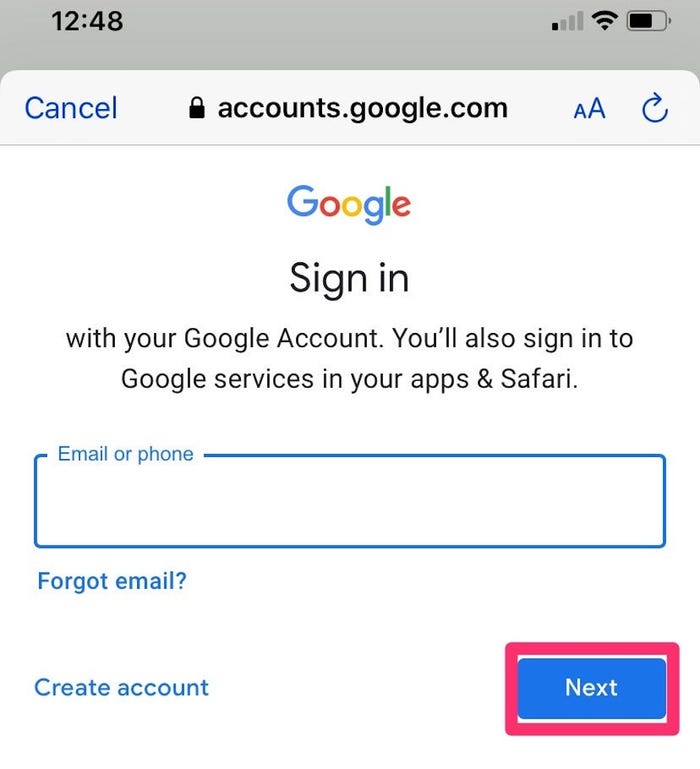
You can check the box next to "Remember me" to stay logged into your Gmail account on your device.