
Creating different Chrome profiles lets you switch between your work account and your other Google accounts, such as personal or test accounts, without signing out each time.
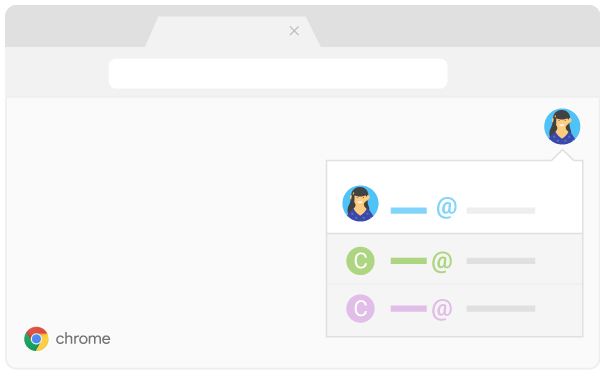
Add a Chrome profile:
- In Chrome browser, at the top right, click Profile
 .
. - Click Manage people.
- Click Add person.
- Choose a name and a photo (optional).
- Click Save. A new window will open and ask you to turn on sync.
- (Optional) Turn sync on in Chrome with a Google Account for the new profile. Their bookmarks, history, passwords, and other settings will automatically sync.
Switch to another profile:
- In the top-right corner, click your profile icon.
- Click the profile you want to switch to.