
If you use the Gmail app, here's how to remove your MCHK Parent Google account:
1. Open the Gmail app.
2. Select the menu (three stacked lines)
3. then select "Manage Accounts" followed by "Edit."
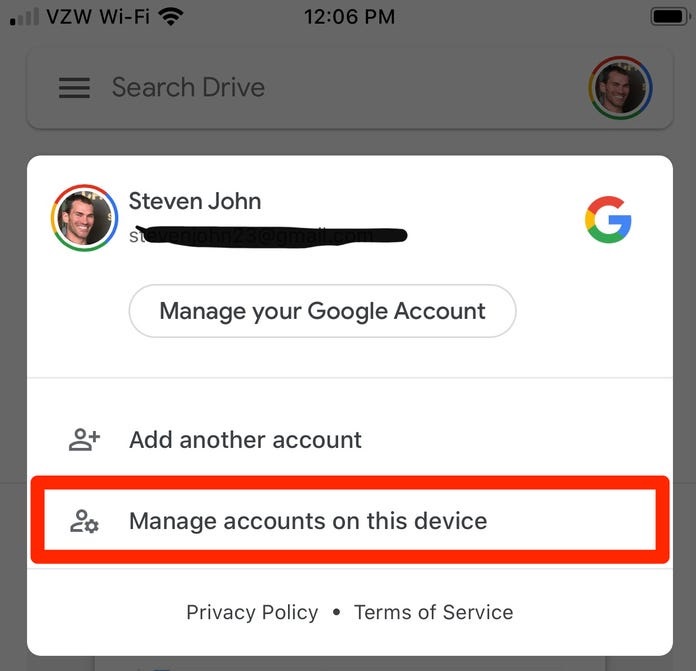
4. Tap "Remove" next to the account you want to logout of
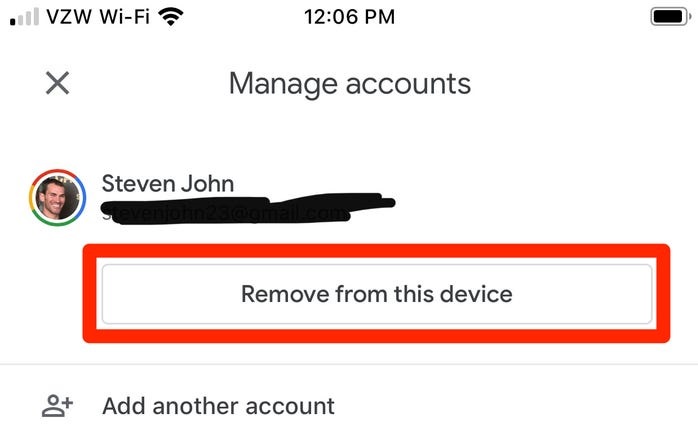
5. and confirm your choice.
6. Select "Done" on the top left.
Then add the parent Google account again using these instructions: