Unzipping the entire file with 'Extract all'
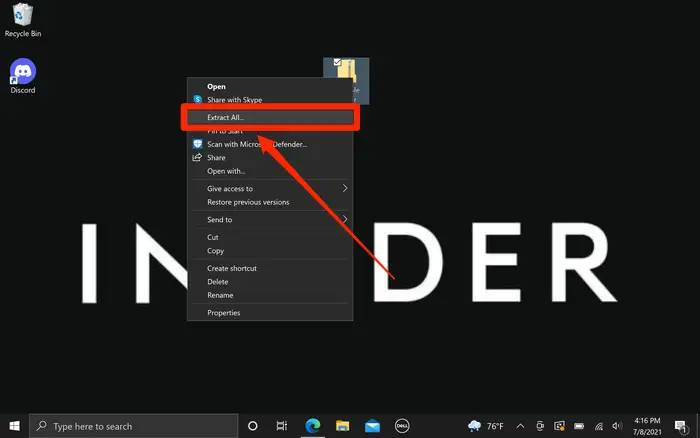
1. Right-click the ZIP file. In the drop-down menu, click "Extract All…" The zip wizard will appear.
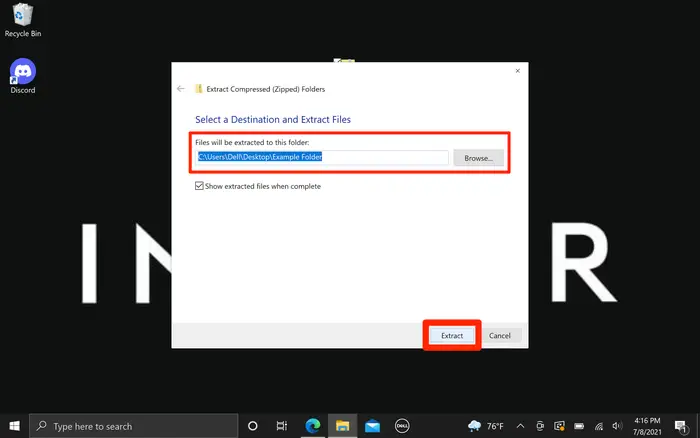
2. If you want to unzip the files to a different folder, click "Browse…" and choose a location.
3. Click "Extract" and the files will be unzipped and copied to the folder you chose.