
How to login to the iSams Parent Portal (link)
To access the parent portal, please browse to:
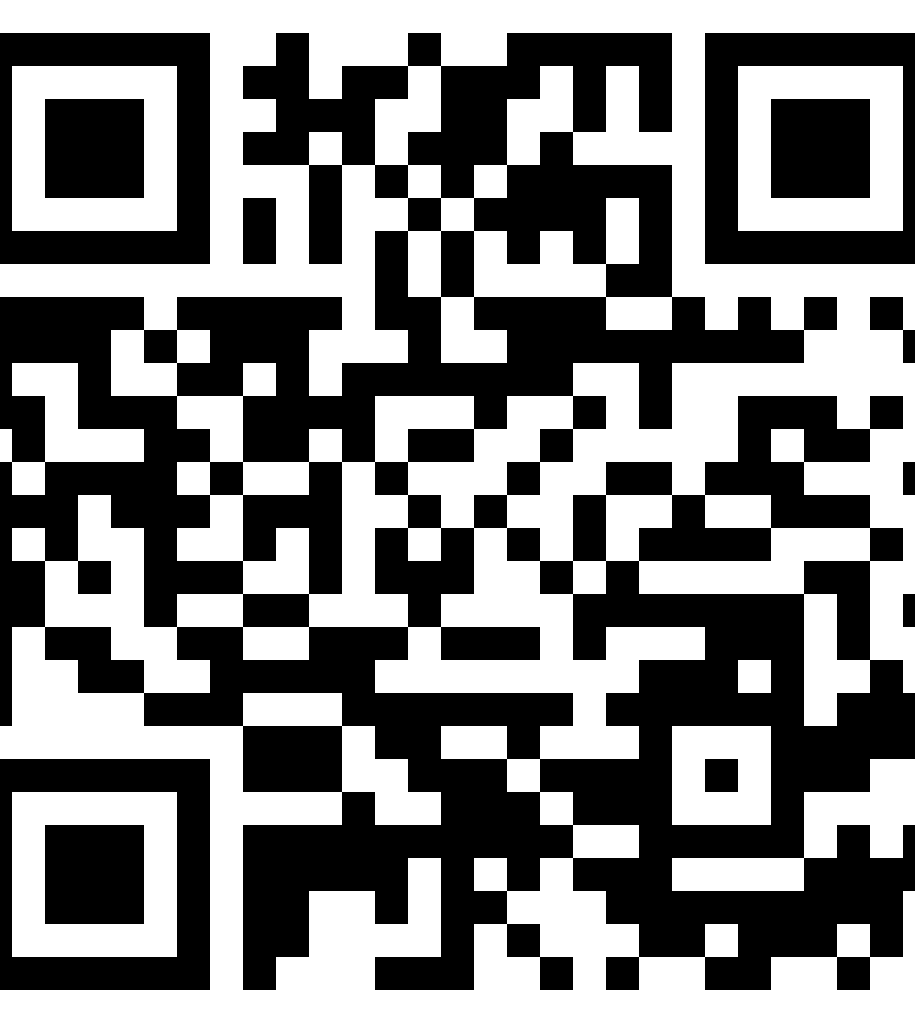 | https://malverncollegehk.parents.isams.cloud/ |
We are pleased to announce the introduction of the brand new MCHK Parent Portal. The portal will allow you to have direct access to a range of school information related to your child(ren) including attendance, teaching class information, timetables, and much more.
The portal will also further support home school communication from contact information for teachers to school policies and newsletters. This inital launch will be part of a road map during the course of the year where more and more functionalities will be released, enabling more interaction between home and school over the portal.
There are two ways to login to the parent portal
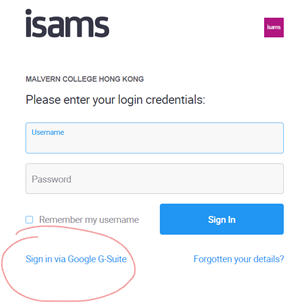
IMPORTANT – Click "login via Google G-suite" and then login with your parent portal login credentials (xxxxxxxx@mchk.edu.hk)
1) Web - Parent Portal - https://malverncollegehk.parents.isams.cloud/
You can access the parent portal using normal web browser (Google Chrome is considered the preferred browser) on your computer, phone or even iPad. Simple copy and paste the url above and login.
* A short video guides you HOW TO navigate around the portal
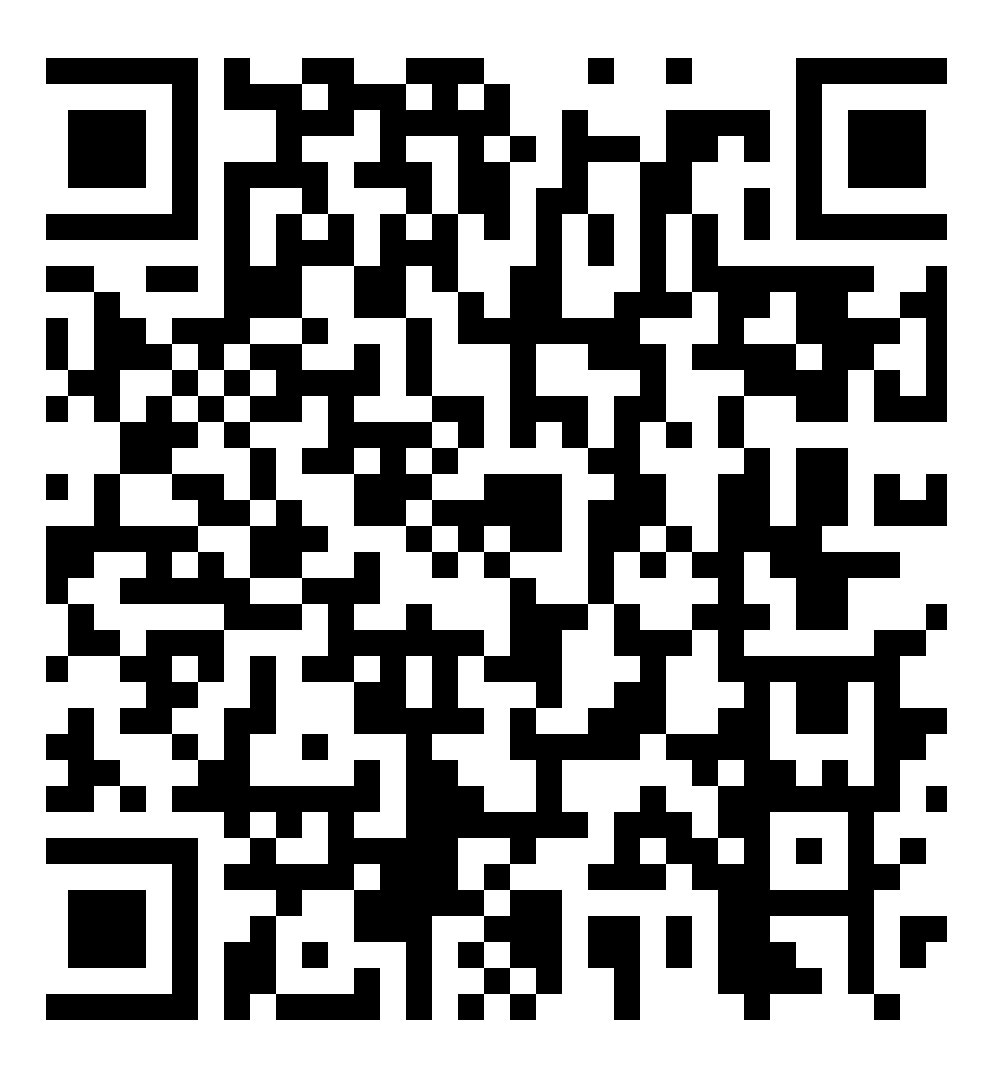
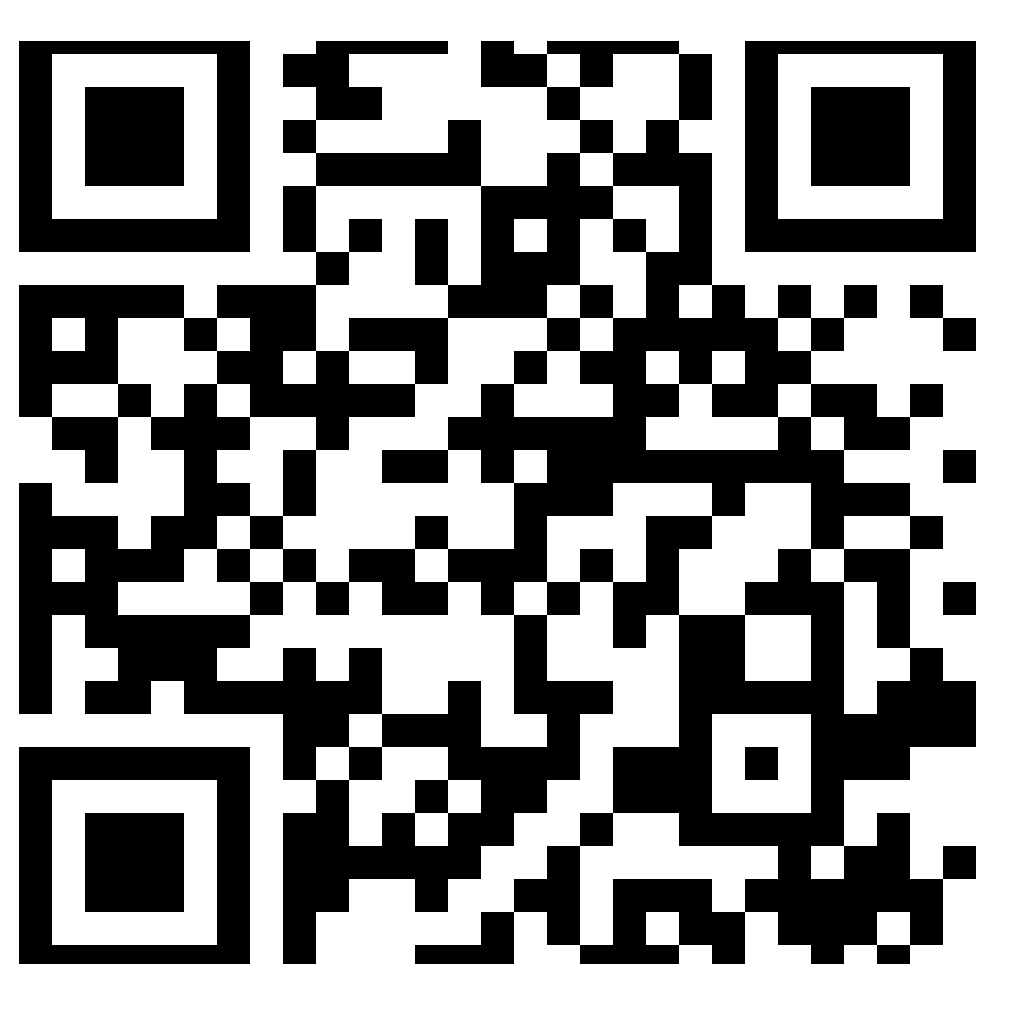
2) App - Parent Portal – Download the iParent App
This requires a parent to download the iParent App. Please note that you may find the interface is very different to the Web version of parent portal, however, the app version offers very handy live access to your child's school information anytime, anywhere.
 |
|
 |
|
A short video guide you on HOW TO access and navigate around the portal, please note that the school code to register on the app is 'MCHK'
Important note – for Prep pupils only, the parent portal includes your ePickup card and it will be essential for you to have this for home pick-up time – please refer to the short video
How to login to the iSams Parent Portal:
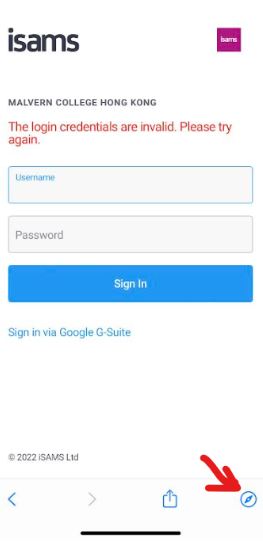
1. Please click on “Sign in via Google G suite”.
2. If an error prompts, please click the bottom right corner (Compass one) for switching to mchk parent account.
If you need any further assistance, please don’t hesitate to contact ICT Services on ictservices@mchk.edu.hk.
Best Regards,
ICT Services
Email: ictservices@mchk.edu.hk
Website: https://mchk.freshdesk.com