Clear the history and cookies from Safari on your iPhone, iPad, or iPod touch
Learn how to delete your history, cookies, and cache in Settings.
Delete history, cache, and cookies
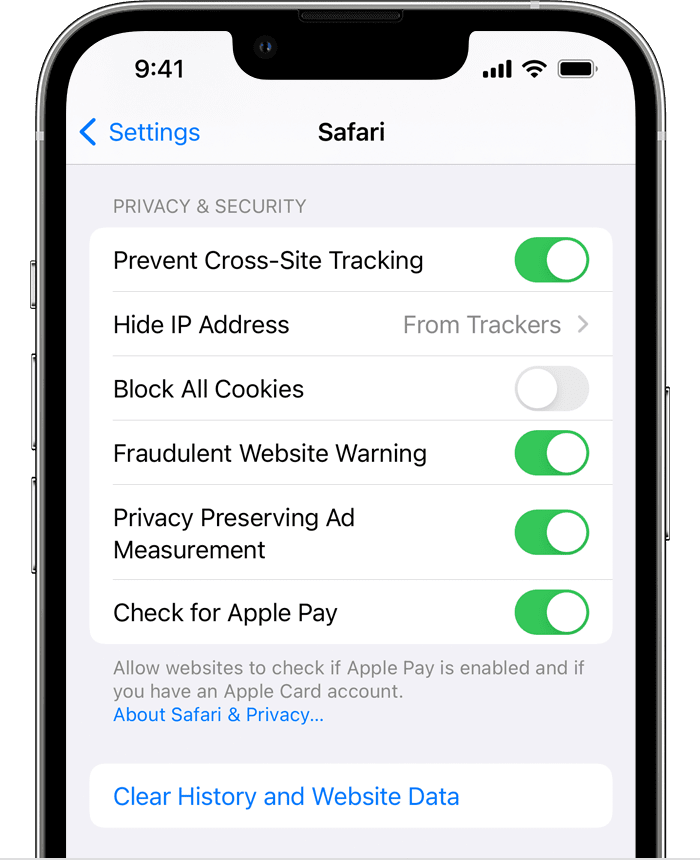
- To clear your history and cookies:
- go to Settings > Safari
- and tap Clear History and Website Data.