The Settings app lets you configure various options on your PC, including options for your wireless networks. You can use this app to connect, disconnect, and forget Wi-Fi networks on your computer.
If this is your preferred method, here’s how you use the Settings app to delete a saved wireless network on your PC:
- Open the Start menu, search for Settings, and launch the app.
- Click Network & Internet on the screen that follows.
- Click Wi-Fi on the left to view your wireless networks.
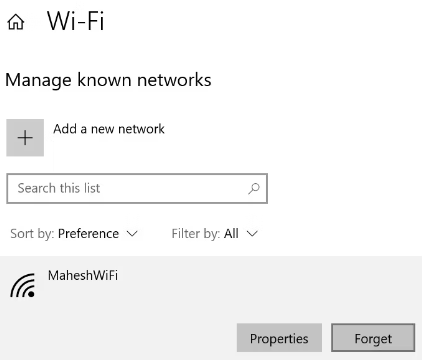
- You’ll see an option that says Manage known networks on the right. Click this option.
- A list of Wi-Fi networks that you’ve saved passwords for will appear.
- Find the network you want to forget, click that network in the list, and select Forget.