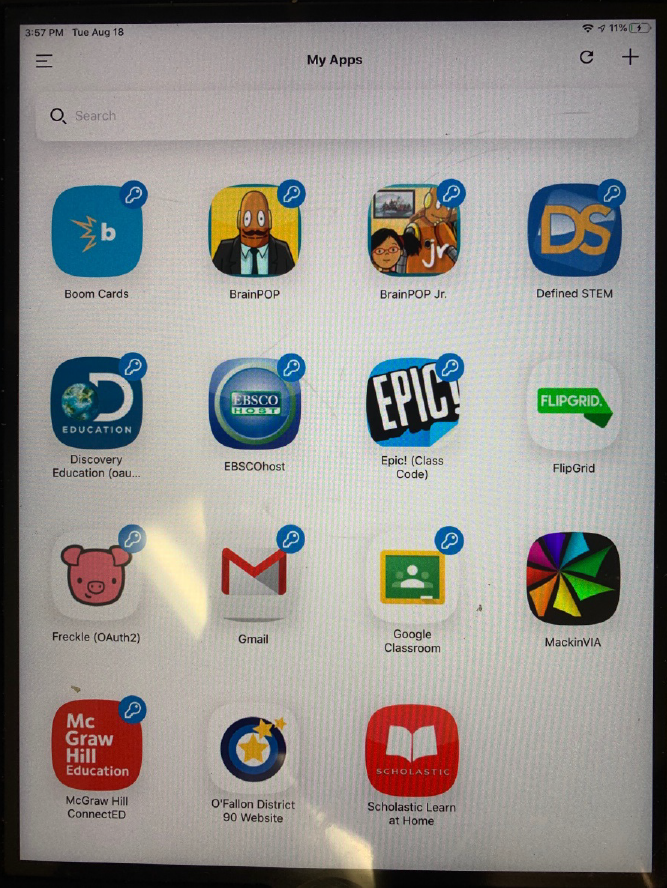
Here are the steps to scan your child's Quickcard using Classlink:
How to Use Classlink Quickcards on Android, iPhone, and iPad
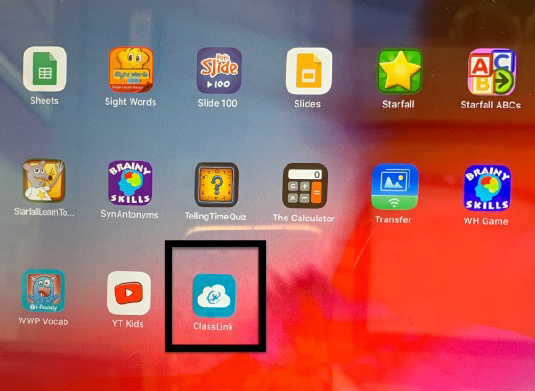
1. Click on the ClassLink App
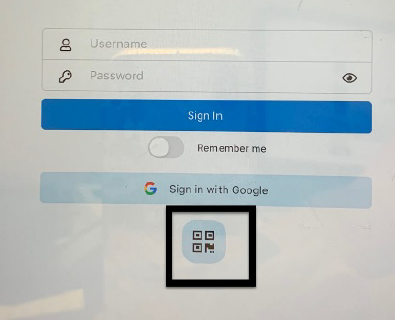
2. Click on the icon at the bottom.
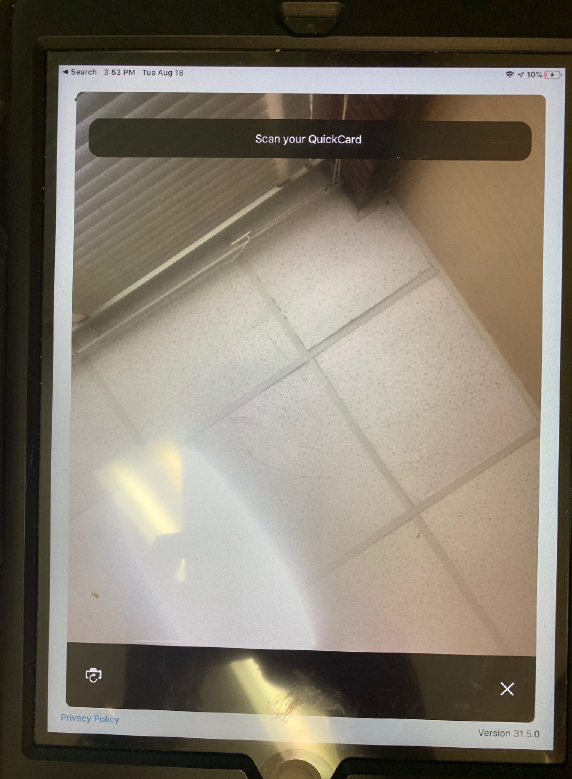
3. This will open up the camera so hold your quickcard infront of the ipad. It uses the front camera.
4. Here is what you see after getting logged in.