1. Browse to this website:
https://launchpad.classlink.com/mchk
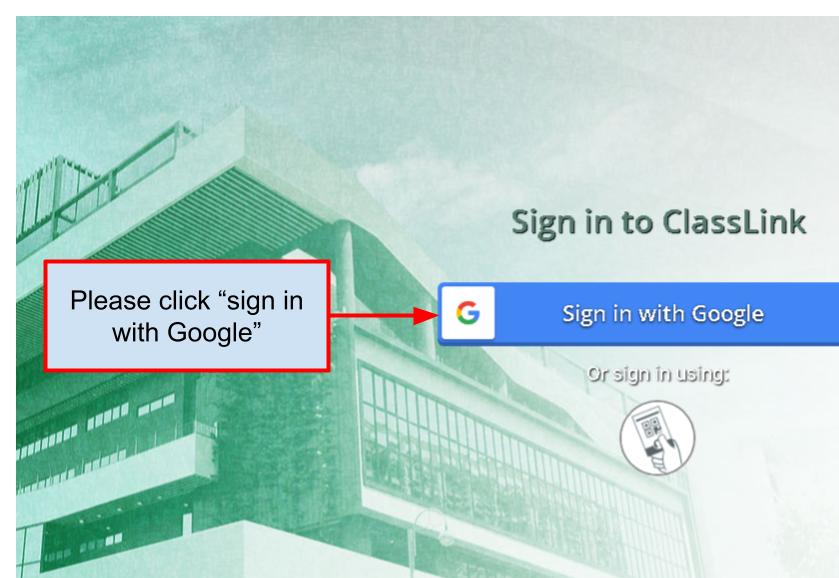
2. click the "Sign in with Google" button
3. enter the pupil's Google account
4. enter the pupil's Google password

Modified on: Fri, 20 Oct, 2023 at 5:35 PM
1. Browse to this website:
https://launchpad.classlink.com/mchk
2. click the "Sign in with Google" button
3. enter the pupil's Google account
4. enter the pupil's Google password
Did you find it helpful? Yes No
Send feedback