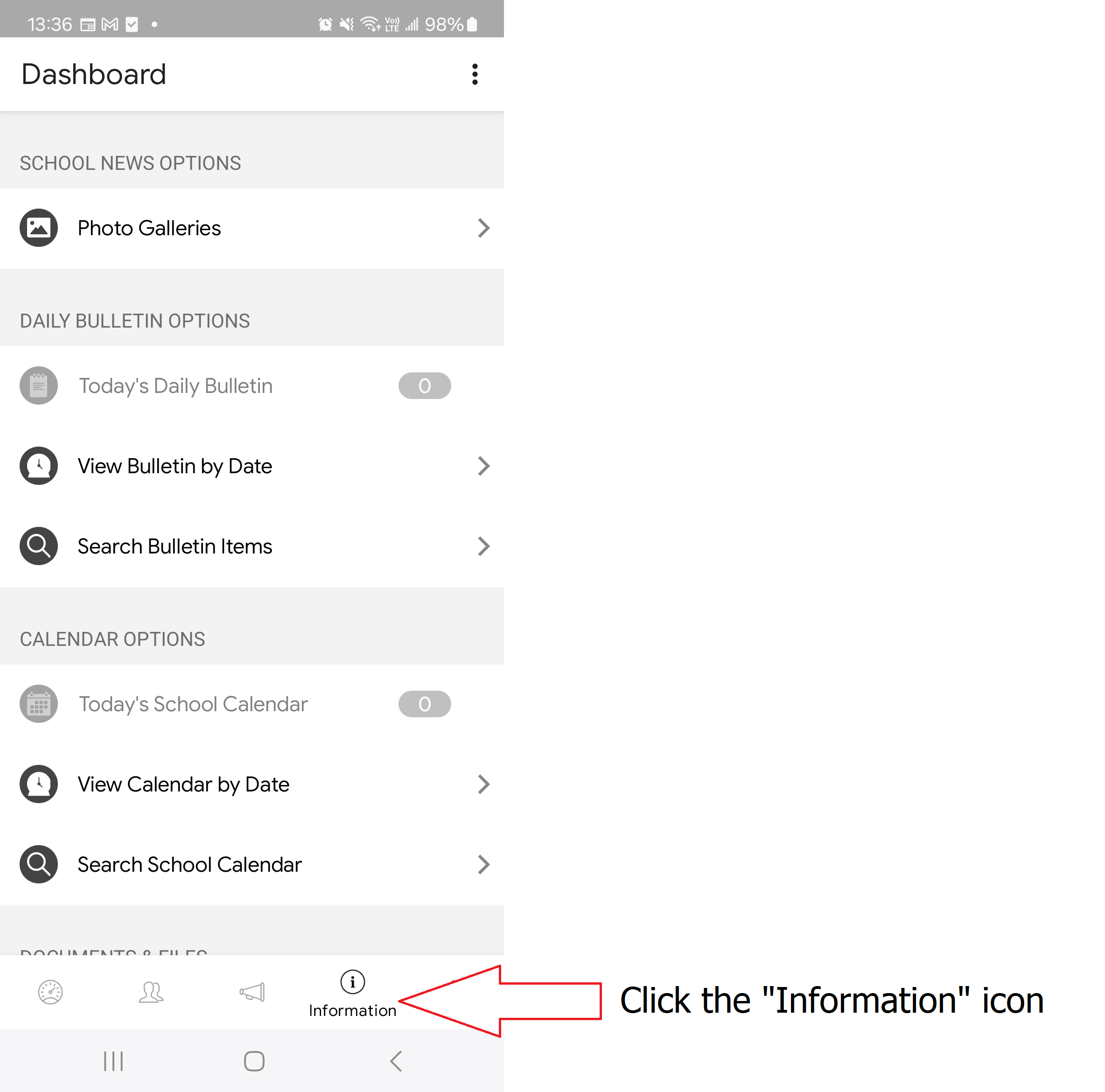
1. Click the "Information" icon (i)
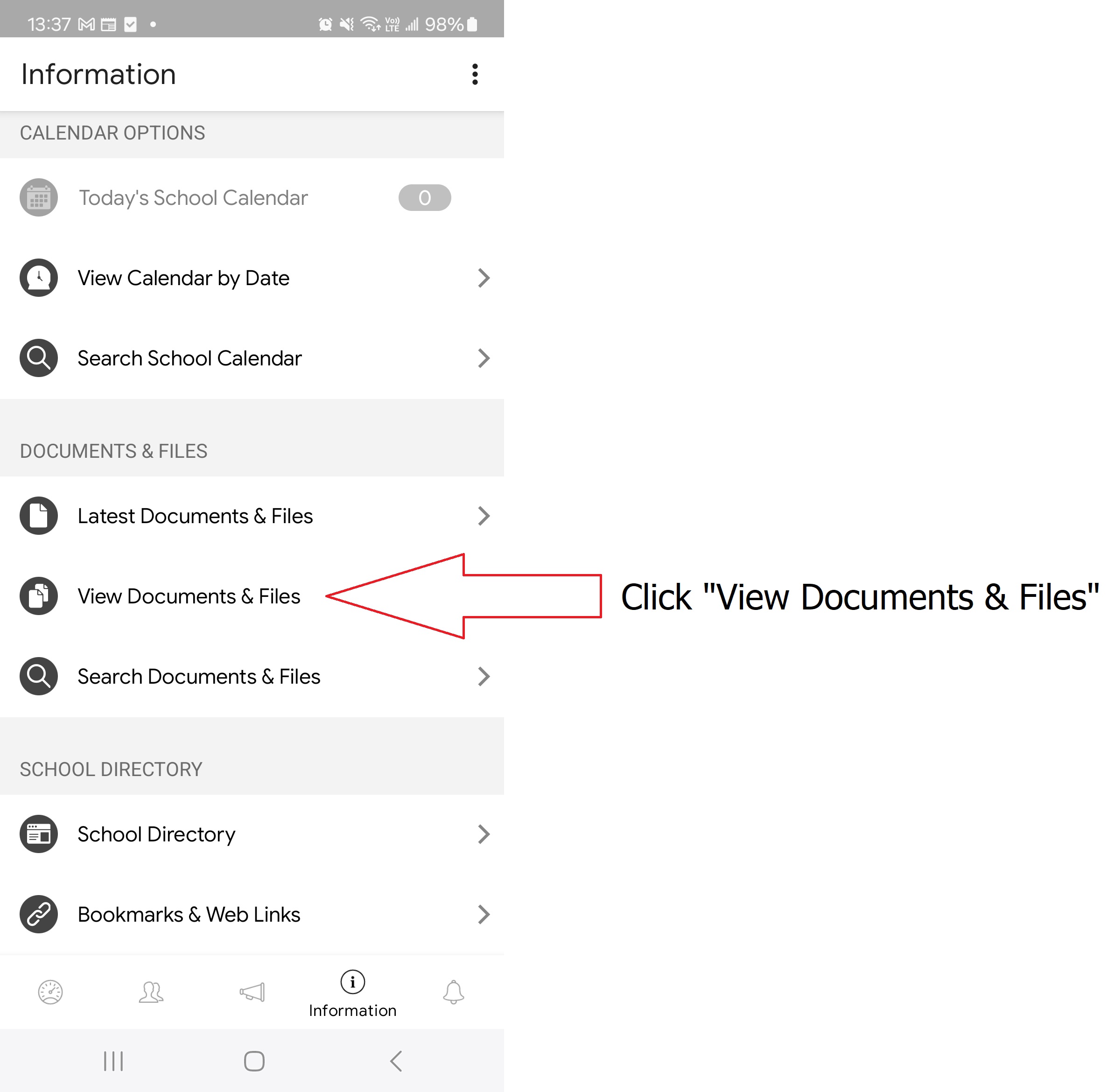
2. Click "View Documents & Files"
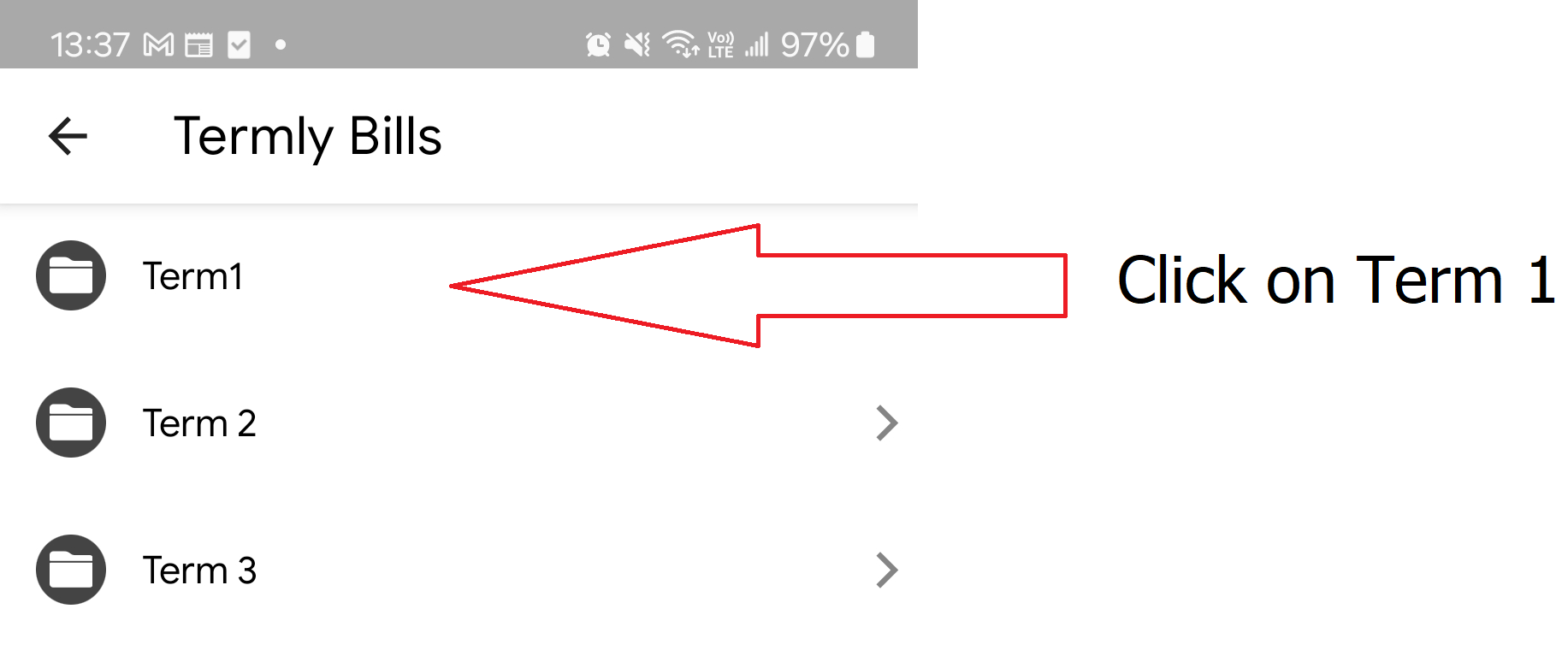
3. Click the relevant term - i.e. Term 1
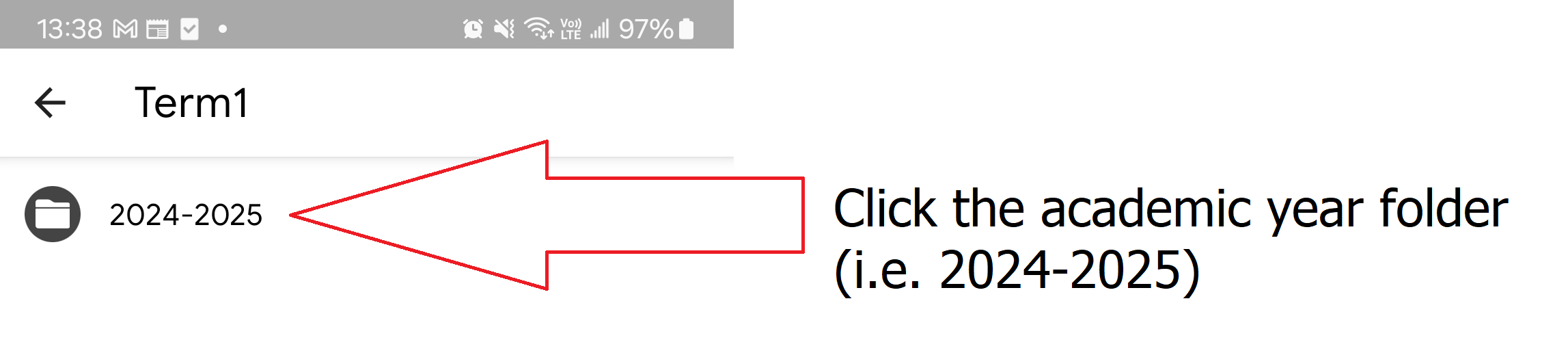
4. Click the relevant academic year (i.e. 2024-2025)
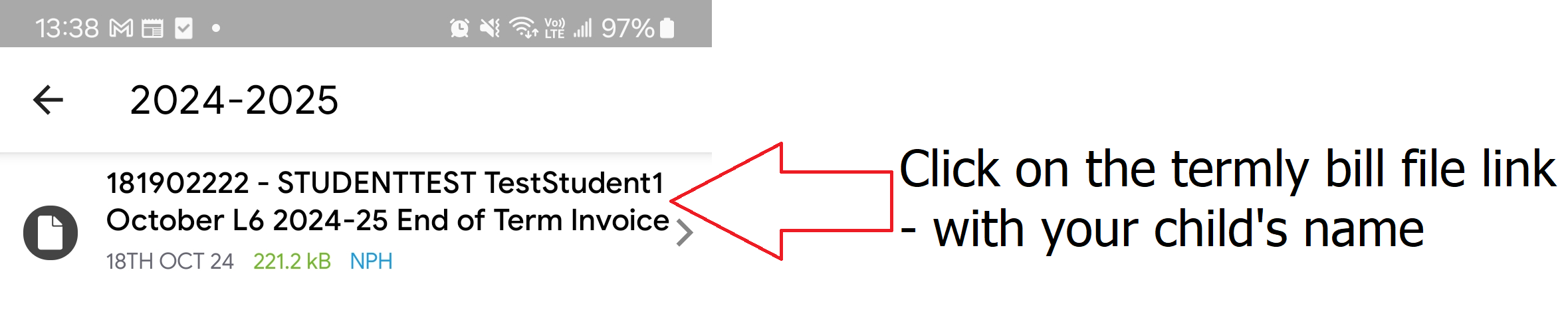
5. Click on the termly bill file link - with your child's name
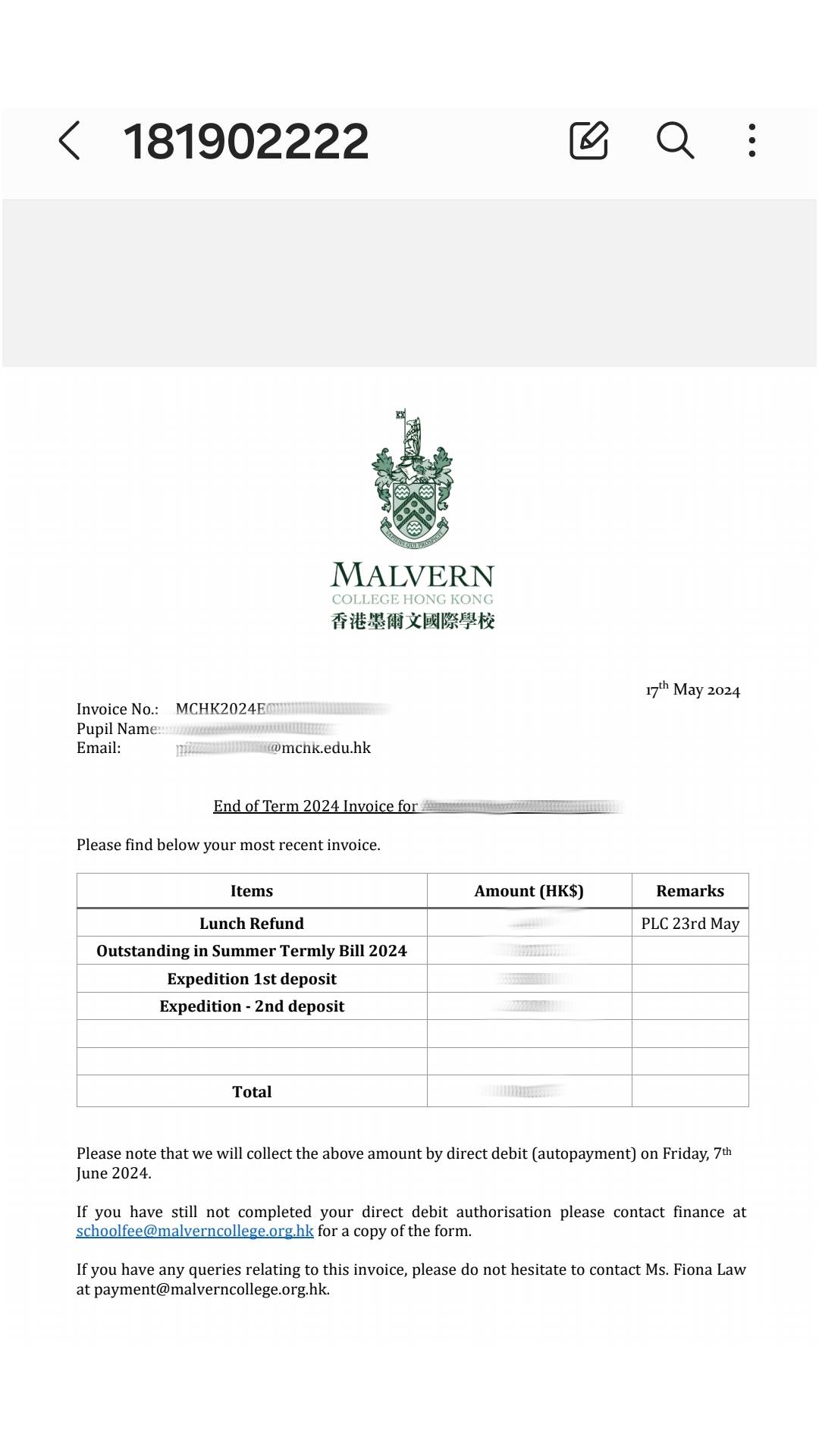
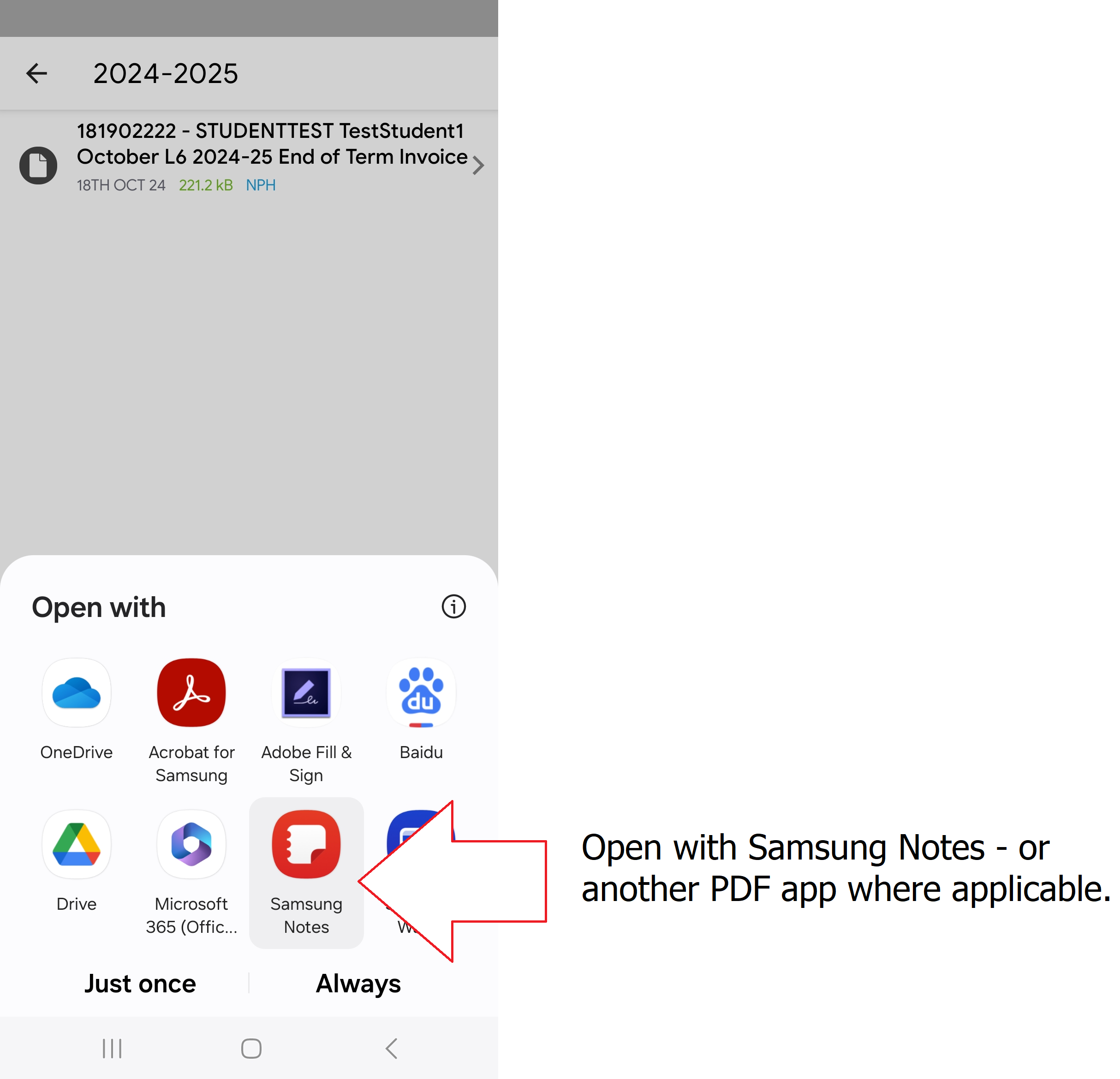
6. Open with Samsung Notes - or another PDF app where applicable.
7. You should then be able to view, or share the termly bill pdf file.