
Please note that these are the general steps. Each Android phone may vary. The screenshots provided below may look quite different depending on the type of Android phone that you are using.
Here are the steps to set the default Google account on your Android smartphone:
1. Go to Settings -> Google
2. in other words, Go to the Settings or Cog Gear icon on the smartphone
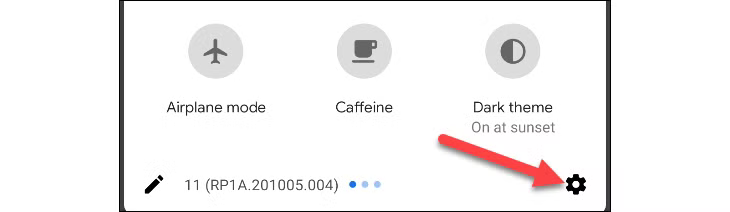
3. Click on the "Google" menu item
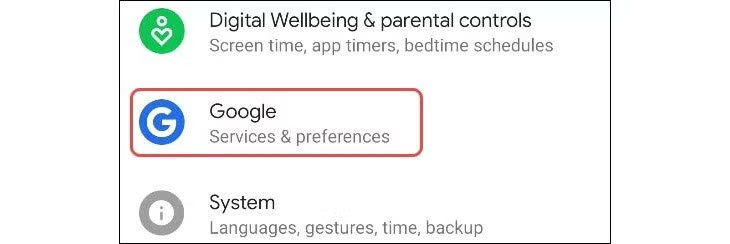
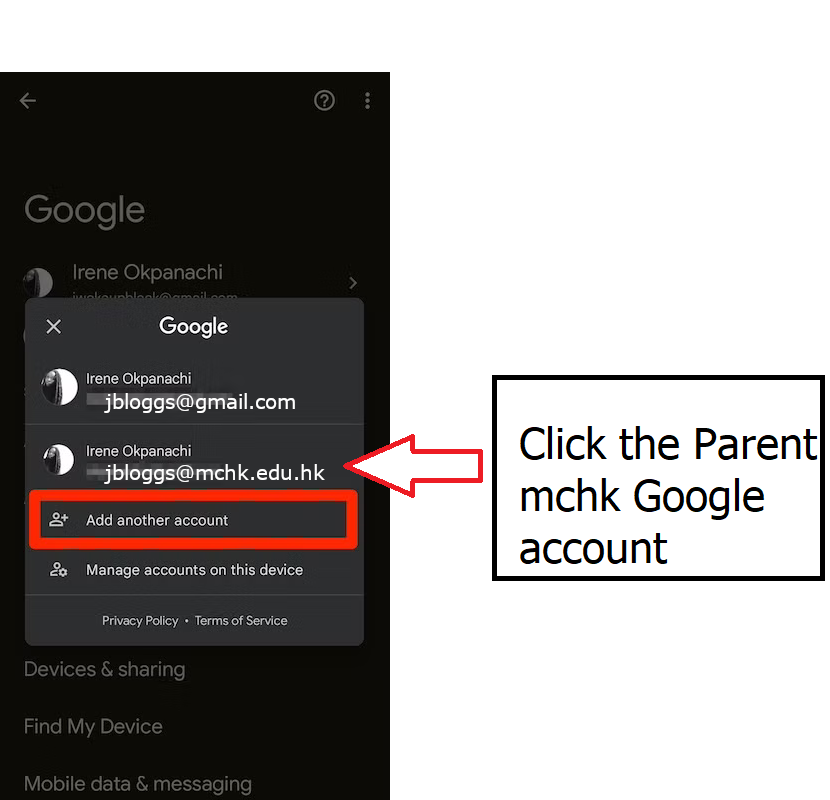
4. Then click on your Google account (click the dropdown arrow to the right of your account)
it may look like this: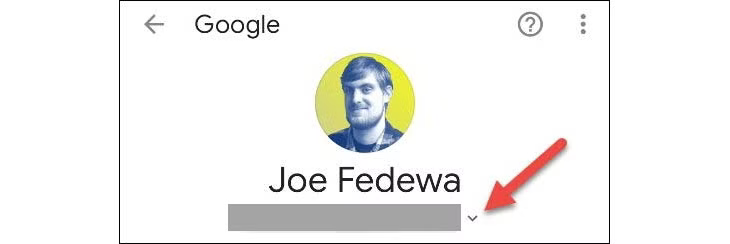
or it may look like this:
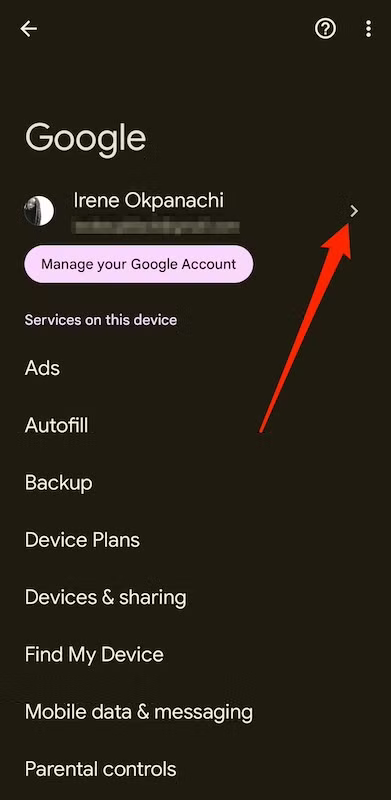
5. then select the Parent MCHK Google account p192007030@mchk.edu.hk
6. Then go back to Gmail
7. Open the PDF in "Samsung Notes" (this app seems to be better than Adobe's PDF app)
8. and then try to click the link in the PDF.
Failing this, please try a regular laptop or Mac together with the Chrome browser.
This may be easier.
I also recommend creating a Google Profile in Chrome.
Here are the steps for creating a Google Profile:
https://mchk.freshdesk.com/support/solutions/articles/47001194204-create-chrome-browser-profiles